Troubleshooting iCloud Sync
First, make sure the same Apple Account is signed in to iCloud on both iOS/iPadOS and macOS, that you have enough iCloud storage, and that you are using the latest version of the app. If it still doesn’t work, follow the steps below.
If you can’t enable iCloud Sync, see Enable iCloud Sync.
When Diagnostics shows a sync warning or error, address that first. Expenses uses the Diagnostics state to avoid advancing sync when iCloud changes could not be applied correctly. Recoverable iCloud save and delete failures, including quota and batch failures, stay queued so the app can try them again instead of dropping local changes.
If you recently edited the same sheet on more than one device, give iCloud a moment to finish. Expenses protects pending local edits, so it may defer fetched iCloud changes while your device still has a local save or delete waiting to sync. Manual sync and Force fetch all data from iCloud start processing those pending changes before fetching remote changes. After the local changes finish, Expenses retries a deferred fetch with the same incremental or full-fetch scope instead of marking the iCloud changes as finished too early.
If pinned, archived, total balance, or field visibility choices look different on another device, let iCloud finish and then run Force fetch all data from iCloud. Expenses syncs those choices as personal sheet settings, including for older sheets.
If you recently deleted a sheet, Expenses also removes that sheet’s personal display settings from iCloud. If another device still shows stale sheet preferences, force fetch after iCloud has had a few minutes to finish.
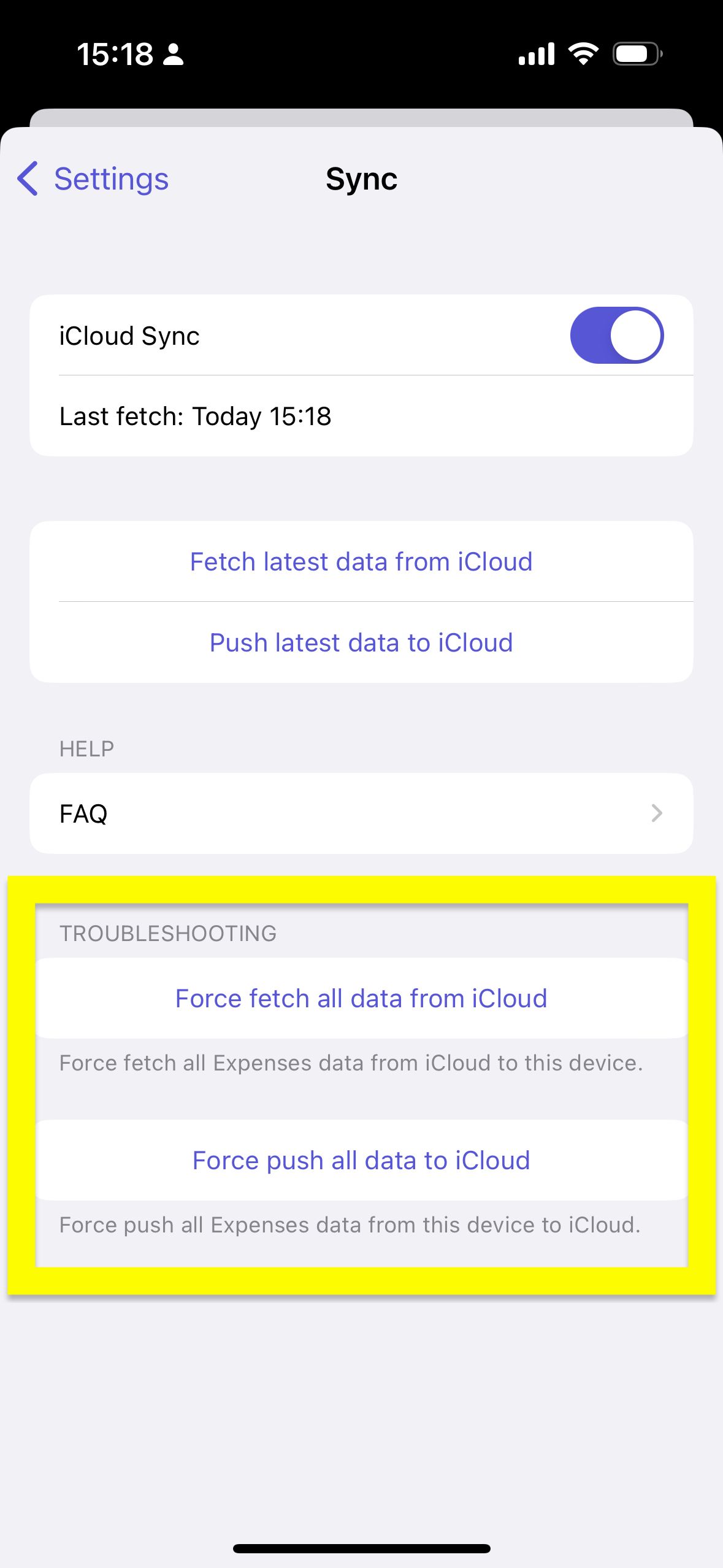
iOS/iPadOS
- In Expenses, open
Settings→Sync - Make sure
iCloud Syncis turned on - Open
Diagnosticsand check whether there is any warning or error related to iCloud, your Apple Account, or sync status - If Diagnostics shows an error, copy it before trying the next step
- Tap
Force push all data to iCloud - Tap
Force fetch all data from iCloud - Check whether the data is synced
If the data still looks stale after a recent local edit, wait a few minutes and repeat Force fetch all data from iCloud. Avoid deleting and reinstalling the app until you have pushed local data from the device that has the latest changes.
macOS
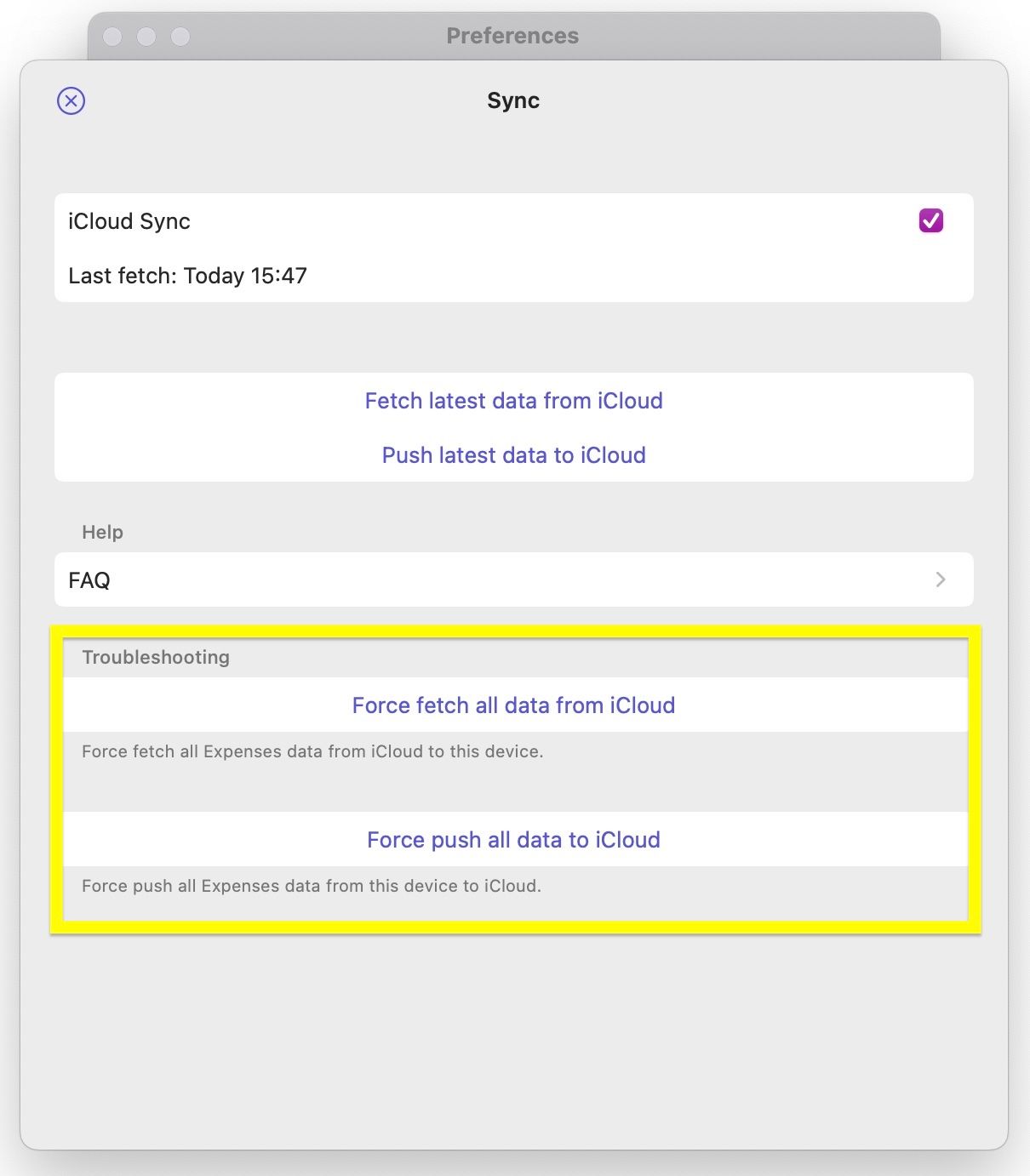
- In Expenses, open
Settings→Sync - Make sure
iCloud Syncis turned on - Open
Diagnosticsand check whether there is any warning or error related to iCloud, your Apple Account, or sync status - If Diagnostics shows an error, copy it before trying the next step
- Click
Force push all data to iCloud - Click
Force fetch all data from iCloud - Check whether the data is synced
If the data still looks stale after a recent local edit, wait a few minutes and repeat Force fetch all data from iCloud. Avoid deleting and reinstalling the app until you have pushed local data from the device that has the latest changes.
Sometimes Apple’s systems are unavailable. Also check the status page just in case.
If you still have questions, we're here to help. Please get in touch and we'll respond shortly.